What Is Customer.io and Why It Stands Out in 2026
Customer.io is a behavioral messaging platform built for product-led and subscription businesses that need precise, event-driven automation. Unlike traditional email service providers, Customer.io centers everything around real-time behavioral data — what users do inside your product, not just what list they're on. This architectural difference makes it one of the most powerful tools in the marketing automation space for SaaS companies, mobile apps, and subscription businesses.
The platform operates on two core concepts: attributes (data you know about a person — name, plan, company) and events (actions they take — signed up, upgraded, abandoned cart). Everything — segments, campaigns, workflows — flows from the clean, consistent tracking of these two data types. Get them right, and Customer.io becomes a precision instrument. Get them wrong, and you'll struggle to unlock any of its advanced capabilities.
For context on how Customer.io compares to broader platforms, see our full breakdown of HubSpot Marketing Hub and ActiveCampaign — both of which target overlapping but distinct use cases.
Core Features of Customer.io: A Deep Dive
1. Event-Driven Segmentation
Customer.io's segmentation engine is its crown jewel. Segments are dynamic — people enter and exit automatically as their behavior changes. You can build a segment for users who triggered added_to_cart but never triggered purchase_completed, and anyone matching that condition at any point will be captured without manual re-imports.
Segmentation supports both behavioral criteria (event history, event frequency, last event date) and attribute criteria (plan type, country, signup date). You can combine conditions with AND/OR logic and nest them multiple levels deep. As of 2026, Customer.io also ships an AI Segment Builder that lets you describe a segment in plain English and converts it to the appropriate logic — a significant time-saver for non-technical marketers.
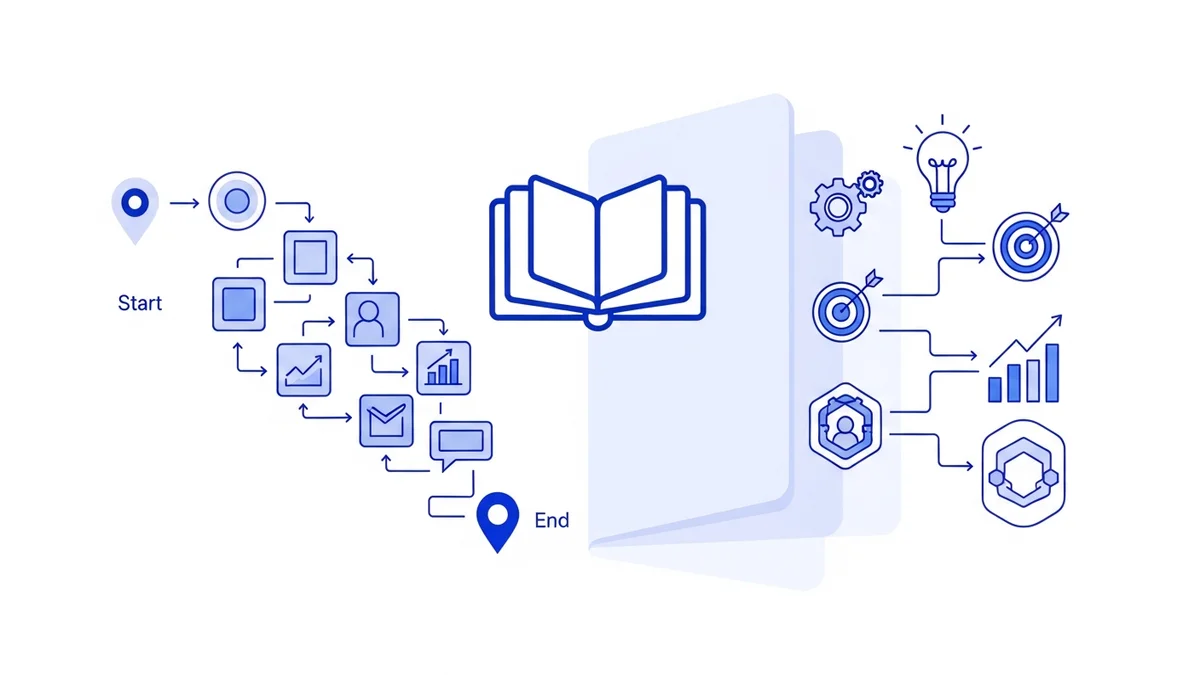
2. Visual Workflow Builder (Journeys)
Customer.io's Journeys canvas is a drag-and-drop workflow builder where you sequence emails, SMS, push notifications, in-app messages, webhooks, time delays, and conditional branches. Trigger options include:
- When a person joins or leaves a segment
- When a specific event fires
- On a recurring date or scheduled time
- Via API trigger for custom integrations
Branch logic lets you split flows based on attribute values, event history, or message engagement. For example: if a user hasn't opened the first onboarding email after 48 hours, route them into a re-engagement sequence; if they did open it, accelerate them toward a feature adoption touchpoint.
3. Multi-Channel Messaging
Customer.io supports the following channels natively:
- Email — Full HTML/drag-and-drop editor with Liquid templating for dynamic personalization
- SMS — Direct SMS sending with event-based triggers
- Push Notifications — iOS, Android, and web push via native SDKs
- In-App Messages — Modal, banner, and tooltip formats delivered inside your product
- Webhooks — Trigger any third-party action (Slack alerts, Zendesk tickets, Salesforce updates)
This multi-channel capability in a single canvas is what separates Customer.io from pure email tools like Mailchimp or Brevo, which have limited or add-on push/in-app functionality.
4. Liquid Templating and Personalization
Customer.io uses the Liquid templating language (originally from Shopify) to inject dynamic content into messages. You can reference any attribute or event property directly:
{{ customer.first_name }}— Insert first name{% if customer.plan == "pro" %}...{% endif %}— Conditional blocks based on plan type- Loop through event data arrays to show personalized product recommendations or order line items
For teams coming from simpler tools, Liquid has a learning curve, but it unlocks a level of personalization that drag-and-drop merge tags simply cannot match at scale.
5. Objects and Non-People Data
A feature that sets Customer.io apart for B2B use cases is Objects — the ability to store and track data about non-person entities like accounts, companies, subscriptions, or devices. You can associate a person with an account object and trigger campaigns based on account-level attributes (e.g., "send this email when the account's subscription is 7 days from renewal"). This is essential for B2B SaaS companies managing both user-level and account-level data.
Newsletter
Get the latest SaaS reviews in your inbox
By subscribing, you agree to receive email updates. Unsubscribe any time. Privacy policy.
6. AI Features (2026 Updates)
Customer.io has expanded its AI feature set substantially heading into 2026:
- AI Assistant — Ask questions about your data and campaign performance in natural language
- AI Segment Builder — Describe a segment in plain English; the system writes the logic
- Email Content Analysis — AI reviews your email for deliverability risks, clarity, and engagement signals
- In-App Message Suggestions — AI recommends copy improvements for in-app prompts
- In-App Survey Analysis — Automatically summarizes and categorizes open-ended survey responses
- MCP Server — Customer.io now exposes an MCP (Model Context Protocol) server, allowing integration with LLM-powered workflows and AI agents
Customer.io Pricing: What You'll Actually Pay
Customer.io's pricing is contact-volume and message-volume based, with tiered plans:
| Plan | Starting Price | Key Limits | Best For |
|---|---|---|---|
| Essentials | $100/month | 5,000 profiles, email + basic automation | Early-stage SaaS, basic lifecycle flows |
| Premium | $1,000/month | Unlimited workflows, advanced segmentation, multi-channel | Growth-stage SaaS with active product data |
| Enterprise | Typically $2,000+/month | HIPAA compliance, SSO, custom SLA, dedicated support | Regulated industries, large-scale operations |
Compared to Klaviyo (which scales pricing aggressively with list size) or Marketo Engage (which starts at $895/month but adds costs for every module), Customer.io's mid-tier pricing is reasonable for the depth of functionality offered — particularly if you're sending high event volumes that would trigger overage fees elsewhere.
Customer.io Integration Ecosystem
Customer.io connects to most modern data stacks. Key integration categories include:
Data Pipeline Integrations
- Segment — Bidirectional sync; send Segment events into Customer.io and pipe campaign data back out
- mParticle / RudderStack — Alternative CDPs with similar bidirectional capability
- Snowflake / BigQuery — Data warehouse sync for enriching profiles with analytical data
CRM and Sales Integrations
- Salesforce — Sync account and contact data for B2B workflows
- HubSpot — Many B2B SaaS teams run HubSpot for sales and Customer.io for product-led marketing in parallel
Mobile SDKs
Customer.io ships native SDKs for iOS, Android, React Native, Expo, and Flutter — enabling push notifications and in-app messaging without third-party dependencies.
APIs
- Track API — Send events and attributes from your backend in real time
- Pipelines API — Batch data ingestion for higher-volume use cases
- App API — Manage campaigns, segments, and people programmatically
- Reporting Webhooks — Stream campaign metric events to your data warehouse
Customer.io vs. Competitors: When to Choose It
Customer.io is not the right tool for every team. Here's an honest breakdown:
| Scenario | Best Choice | Why |
|---|---|---|
| SaaS with complex event data and multi-channel needs | Customer.io | Event-first architecture, Objects, multi-channel canvas |
| E-commerce with large contact lists and revenue attribution | Klaviyo | Native Shopify/WooCommerce sync, revenue tracking per flow |
| Small business needing affordable all-in-one | GetResponse | Lower entry price, landing pages, webinar tools included |
| B2B with heavy CRM dependency and lead scoring | HubSpot Marketing Hub | Native CRM, deal pipeline, full funnel attribution |
| Enterprise with complex content ops and ABM | Marketo Engage | Advanced lead management, account-based programs, Salesforce depth |
Common Mistakes Teams Make with Customer.io
Mistake 1: Inconsistent Event Naming
The most damaging implementation error is inconsistent event tracking. Teams often send purchase_completed from the backend and PurchaseCompleted from the mobile SDK — Customer.io treats these as two different events. Your segments and triggers will silently fail to capture half your users. Establish a naming convention (snake_case is standard) and document it before you start.
Mistake 2: Not Using Dynamic Segments
Many new users build static one-time exports and import them as lists rather than building dynamic segments. Static lists go stale immediately. A churned user who re-subscribes won't fall into the right onboarding flow because they were already tagged as "onboarded." Always build segments on live behavioral criteria.
Mistake 3: Over-Engineering the First Workflow
A common trap is building a 30-step onboarding journey on day one before validating whether users are actually triggering the entry event. Start with a 3–5 step workflow, verify the data is flowing, and iterate. Many teams spend weeks building workflows that never fire because their event tracking wasn't validated first.
Mistake 4: Skipping Deliverability Setup
Customer.io requires you to verify sending domains and configure SPF/DKIM/DMARC records. Teams that skip this step see emails land in spam immediately, then blame the platform. Complete domain verification before sending a single campaign message.
Mistake 5: Treating It Like a Newsletter Tool
Customer.io is built for triggered, behavioral messaging — not broadcast newsletters. Teams that use it primarily for weekly email blasts to their full list are massively underutilizing the platform and overpaying relative to simpler alternatives like Drip or Brevo. If 80% of your use case is bulk sends, reconsider whether Customer.io is the right fit.
Who Should Use Customer.io in 2026
Customer.io is the right choice for:
- Product-led SaaS companies that want to trigger messaging based on in-product behavior (feature adoption, usage milestones, inactivity)
- B2C subscription apps managing complex lifecycle flows across email, push, and in-app
- Mobile-first businesses that need push notifications and in-app messages tightly integrated with behavioral triggers
- Growth teams that have engineering resources to implement proper event tracking and want full programmatic control via API
- Regulated businesses (healthcare, fintech) that need HIPAA compliance and enterprise audit logging on the Enterprise plan
It is not ideal for non-technical marketing teams that need a no-code setup, or for pure e-commerce operations where Klaviyo's native revenue attribution provides a clearer ROI picture. For a full side-by-side of alternatives, see our Customer.io platform review.
Getting Started: A Practical Implementation Checklist
- Week 1: Define your event taxonomy (list all key user actions) and attribute schema before writing a single line of code
- Week 1: Install the JavaScript SDK or configure Segment as your data pipe; verify events are firing in the Customer.io activity log
- Week 2: Set up and verify your sending domain; configure SPF, DKIM, and DMARC
- Week 2: Build your first 3 dynamic segments (active users, at-risk users, churned users) and confirm population counts make sense
- Week 3: Launch one workflow — the onboarding sequence. Keep it to 4–5 steps maximum initially
- Week 4: Review delivery rates, open rates, and segment accuracy; iterate event tracking before adding more campaigns
Teams that follow this sequence — data foundation first, automation second — consistently get to value faster than teams that jump straight to building campaigns with incomplete tracking in place.