What Makes a Behavioral Drip Sequence Different (And Why It Matters)
Most email drip sequences are time-based: sign up, get email 1 on day 0, email 2 on day 3, email 3 on day 7. That's not a behavioral drip sequence — that's an autoresponder with a schedule. The distinction matters more than most marketers realize.
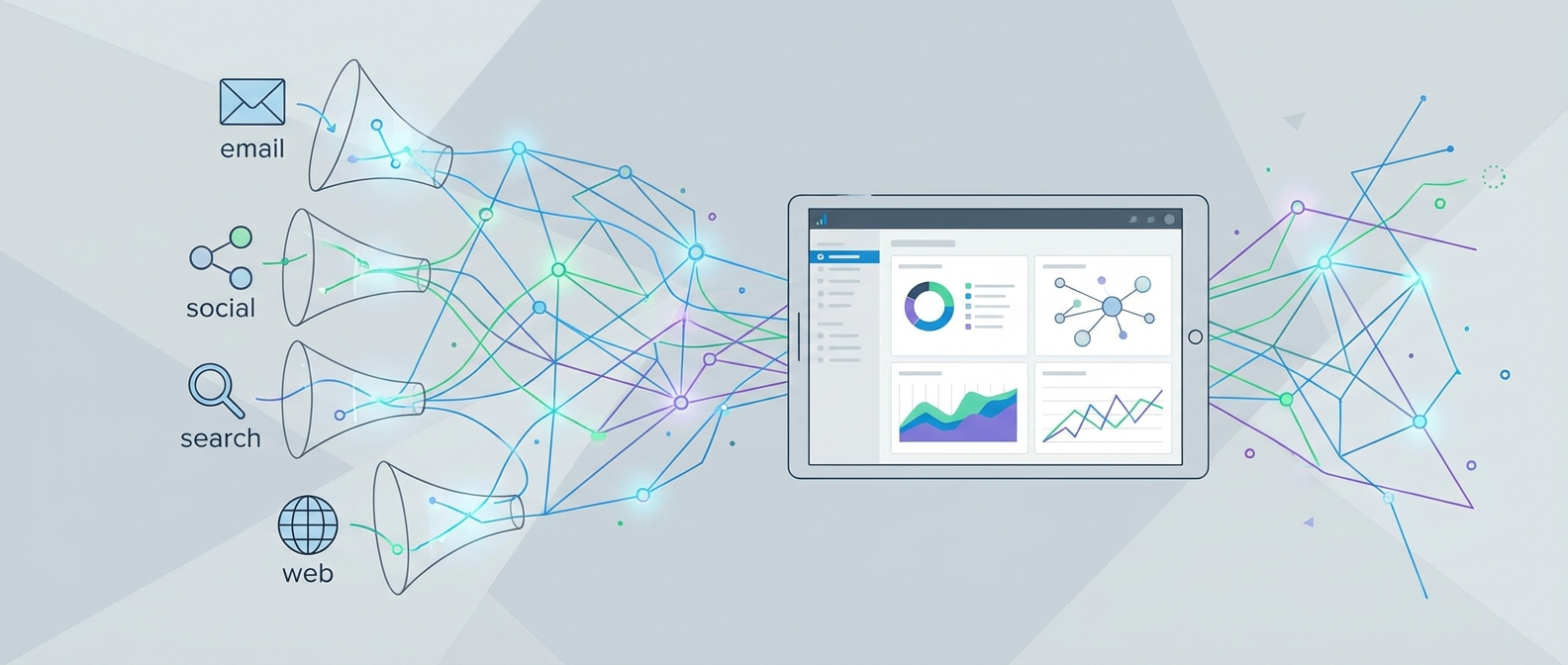
A behavioral email drip sequence fires based on what a subscriber does, not when they joined your list. Did they click a pricing link but not convert? Did they visit your features page three times in a week? Did they open your last five emails but never click anything? Each of those signals is a trigger, and each one should route subscribers into a different branch of your sequence.
According to research from Martech, 70% of email marketers say up to half their operations will be AI-assisted in the near term — but the underlying logic of behavioral sequences remains the same: match the message to the moment, not the calendar. AI can accelerate that process, but it can't replace a well-mapped behavioral architecture.
The payoff is real. Behavioral sequences consistently outperform broadcast emails on clicks, conversions, and unsubscribe rates — because they treat subscribers as individuals moving through a journey, not a list to be blasted on Tuesdays.
The Core Behavioral Triggers You Should Be Using
Before you build anything, you need to define what actions in your customer journey deserve a response. Not every click warrants a new sequence, but these five trigger categories cover the vast majority of high-value behavioral moments:
1. Sign-Up and Onboarding Triggers
The most widely used behavioral trigger is registration or purchase — someone takes an action that activates a pre-set sequence. Welcome email series are the canonical example. But here's where most teams get lazy: they send the same welcome sequence to everyone. A behavioral approach segments from the start. Someone who signed up via a webinar landing page has different intent than someone who came from a blog post about pricing comparisons.
2. Engagement-Based Triggers
This is where behavioral sequences earn their keep. Track opens and clicks not just as vanity metrics but as routing signals. A subscriber who opens three emails without clicking is telling you something — your subject lines are working but your content or CTAs are not. Route them into a re-engagement branch that changes the angle. A subscriber who clicks your "enterprise features" link mid-sequence should immediately diverge from the SMB path.
Note: Since Apple's Mail Privacy Protection artificially inflates open rates, clicks remain the gold standard for measuring true engagement in behavioral logic. Build your trigger conditions around clicks, not opens, wherever possible.
3. Website Behavior Triggers
Page visits, time-on-site, and return visits are underused trigger sources. If a subscriber has visited your pricing page twice in 48 hours, that's a buying signal that should override wherever they are in your standard nurture sequence and fast-track them to a conversion-focused branch.
4. Purchase and Transaction Triggers
Post-purchase sequences are behavioral by definition. The trigger is the transaction event. From there, branch based on what was purchased, the order value, and whether it's a first or repeat purchase. Upsell and cross-sell sequences fit naturally here — and they perform best when the product recommendation is tied to what was actually bought, not a generic catalog email.
5. Inactivity Triggers
Non-action is still behavior. A subscriber who was clicking regularly and then went quiet for 30 days needs a different message than one who never engaged. Build explicit re-engagement branches with a clear endpoint: if they don't respond to your re-engagement sequence, suppress or remove them. Carrying unengaged subscribers hurts deliverability and skews every metric you use to make decisions.
Mapping Your Sequence Architecture Before You Build
The single most common mistake in building behavioral sequences is jumping straight into the platform and wiring up triggers before the logic is mapped. You end up with spaghetti automations that are impossible to debug and even harder to improve.
Do this on paper (or a whiteboard tool) first:
Step 1: Define the Entry Point and Audience Segment
Every sequence needs a single, unambiguous entry condition. "New subscriber" is not unambiguous — is it anyone who opts in? Only those who came from paid traffic? Only those who selected a specific interest at signup? Get specific. As Mailjet's email strategy team put it: compare apples to apples, not apples to oranges. Your customers behave differently from your blog subscribers, who behave differently from your trial users. Each deserves its own sequence architecture.
Newsletter
Get the latest SaaS reviews in your inbox
By subscribing, you agree to receive email updates. Unsubscribe any time. Privacy policy.
Step 2: Map the If/Then Branch Points
For each email in your sequence, define what happens if the subscriber does the desired action versus what happens if they don't. This is the skeleton of a behavioral sequence. Every send should have at least two downstream paths. Sketch this out as a flowchart before touching your automation tool.
Step 3: Set Your Wait Conditions Intentionally
Wait conditions in behavioral sequences should not be arbitrary. A 3-day wait after a pricing page visit makes no sense — that subscriber is hot right now. A 7-day wait after a content download is reasonable because the subscriber is still learning. Match your cadence to the urgency implied by the trigger.
Step 4: Define the Exit Conditions
Sequences without clear exit conditions are where subscribers get stuck receiving irrelevant emails long after their situation has changed. Define when someone graduates out of a sequence: conversion event, reaching the sequence end, entering a higher-priority sequence, or hitting an inactivity threshold.
Platform Selection: Which Tool Actually Handles Behavioral Logic Well
Not all marketing automation platforms handle behavioral sequences with equal sophistication. The gap between entry-level tools and mid-market platforms is significant when it comes to multi-branch conditional logic, custom event tracking, and cross-channel behavioral data.
Here's an honest comparison of the platforms we review based on their behavioral sequencing capabilities:
| Platform | Custom Event Triggers | Multi-Branch Logic | Starting Price | Best Fit |
|---|---|---|---|---|
| ActiveCampaign | Yes — 15+ trigger types including site tracking | Yes — conditional splits, goal steps | $15/mo (1,000 contacts) | SMB to mid-market, general use |
| Customer.io | Yes — custom event API, full attribute targeting | Yes — multi-step journeys with complex branching | $100/mo (Essentials) | SaaS, developer-forward teams |
| Klaviyo | Yes — ecommerce events, Shopify/BigCommerce native | Yes — flow filters and conditional splits | $20/mo (500 contacts) | Ecommerce brands |
| Drip | Yes — ecommerce events, custom tags | Yes — rule-based workflow branching | $39/mo (2,500 contacts) | Ecommerce, DTC brands |
| HubSpot Marketing Hub | Yes — lifecycle stage, CRM property changes | Yes — if/then branches in workflow builder | $15/mo (Starter) | Teams using HubSpot CRM |
| Mailchimp | Limited — basic tag and activity triggers | Limited — single-path journeys on lower tiers | $13/mo (500 contacts) | Beginners, simple sequences |
| Brevo | Yes — contact attributes, custom events via API | Yes — multi-step automation with conditions | $9/mo (Starter) | Budget-conscious teams |
The honest take: if you're building genuinely behavioral sequences with custom events and multi-branch logic, Mailchimp will hit a ceiling fast. For ecommerce, Klaviyo and Drip are purpose-built for this use case. For SaaS and event-heavy products, Customer.io's event tracking depth is hard to match. ActiveCampaign sits in a strong middle ground for teams that need both CRM-level contact management and behavioral automation without a six-figure budget.
Building Your First Behavioral Sequence: A Step-by-Step Framework
With your architecture mapped and your platform selected, here's how to build a behavioral sequence that actually works in production:
Configure Your Data Layer First
Behavioral sequences are only as good as the data feeding them. Before you write a single email, confirm that your website tracking is firing correctly, your CRM is syncing contact properties, and your platform is receiving the events you plan to use as triggers. This is the step most guides skip — and it's why "behavioral" sequences often end up behaving like regular time-based drips because the triggering data never arrives cleanly.
For ecommerce, this means ensuring purchase events, cart abandon events, and product view events are all instrumented. For SaaS, it means your trial activation events, feature usage events, and plan change events are flowing into your marketing platform. Don't assume they are — verify with test contacts.
Write Emails for the Moment, Not the Sequence
Behavioral email copy should acknowledge what the subscriber just did. Not in a creepy surveillance way, but in a helpful "we noticed you were looking at X" way that demonstrates relevance. A subscriber who clicked your enterprise pricing link should get an email that speaks to enterprise concerns — not the next generic nurture email in the standard queue. The moment you stop treating the sequence as a fixed script and start treating each branch as a response to a specific behavior, your engagement metrics will reflect the change.
Audit Your Sequence Against Real Subscriber Data
Once your sequence has been running for 30 days, pull a cohort analysis. Look at how many subscribers hit each branch, where the biggest drop-offs occur, and which branches convert best. As Mailjet's team recommends, compare each audience segment against itself over time to establish reliable benchmarks — generic industry averages are far less useful than your own historical performance data.
Measuring and Iterating: What to Track in Behavioral Sequences
Standard email metrics tell you what happened. Behavioral sequence metrics tell you where your logic is breaking down.
Branch Conversion Rates
For each decision branch in your sequence, track what percentage of subscribers entering that branch complete the desired action. A high open rate on a branch with a low conversion rate tells you the email is interesting but the offer or CTA isn't landing.
Sequence Completion vs. Exit Rate
How many subscribers complete the full sequence versus exit early (by converting, unsubscribing, or going inactive)? A high early exit from conversions is excellent. A high early exit from inactivity means subscribers are losing interest before you've delivered value.
Time-to-Conversion by Entry Trigger
Different entry triggers produce subscribers with different intent levels. Someone who triggers a sequence by visiting your pricing page three times will convert faster than someone who triggered it by downloading a top-of-funnel ebook. Track time-to-conversion by trigger source so you can calibrate your sequence length and cadence accordingly — and so you can prioritize which triggers deliver the highest ROI contacts.
Deliverability as a Health Signal
Behavioral sequences that are well-targeted should improve your deliverability over time because you're sending more relevant content to more engaged subscribers. If you see spam complaint rates rising or deliverability declining after launching a new behavioral sequence, that's a signal your trigger logic is misfiring and routing the wrong subscribers into the wrong messages. Fix the logic, don't just tweak the copy.
Building behavioral email drip sequences that actually perform requires three things working together: clean behavioral data, a well-mapped sequence architecture, and a platform with the automation depth to execute the logic you've designed. Get any one of those wrong and you're back to sending a scheduled autoresponder and calling it behavioral marketing. Get all three right, and you have a system that responds to real intent signals and compounds its effectiveness over time as you refine each branch with actual performance data.