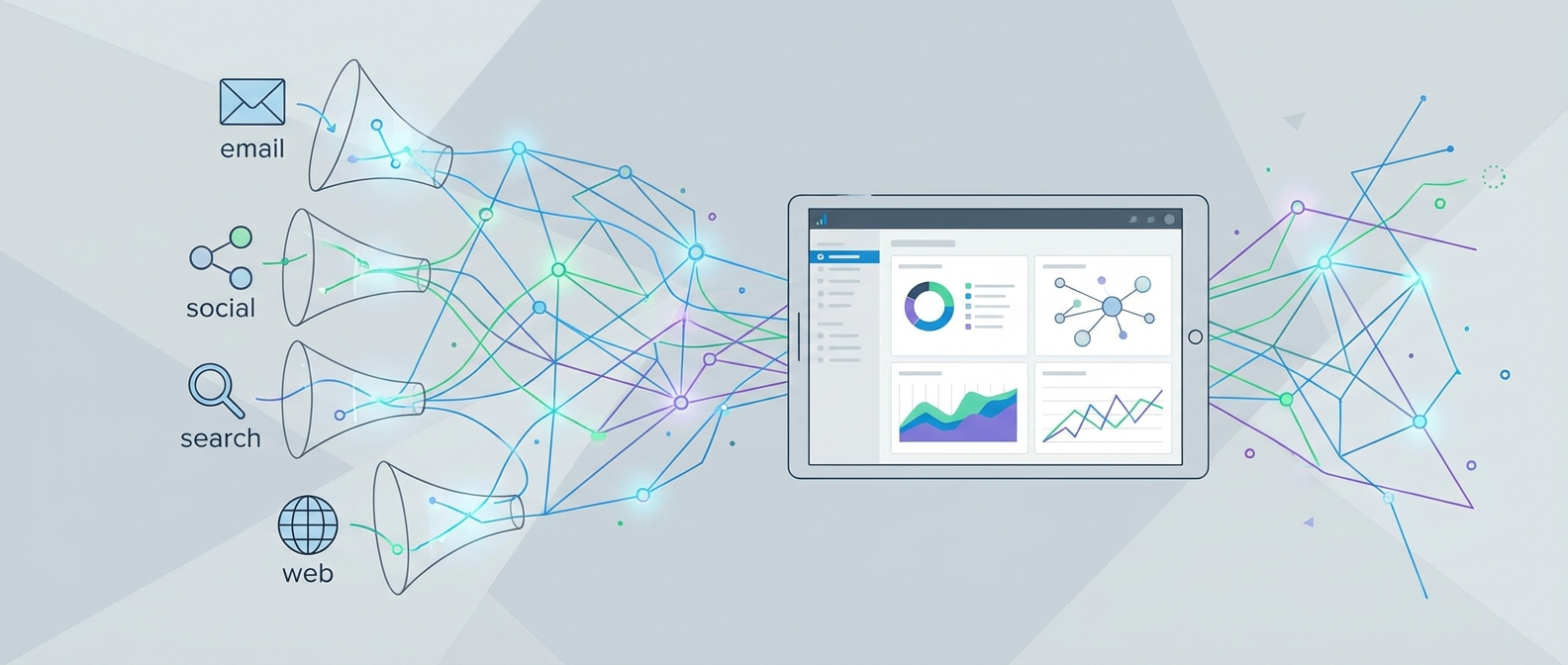
Why Most Marketers Are Flying Blind on Attribution
Here's an uncomfortable truth: 46% of marketing professionals say their lack of attribution insight is what hurts their efforts most. That's nearly half the industry spending budget on campaigns with no real evidence of what's working. The money doesn't disappear — it just gets credited to the wrong channels, and decisions get made on false data.
The problem gets worse when you factor in modern buyer behavior. The average customer touches your brand approximately seven times before making a purchase — jumping between Google search, social ads, email, blog content, and direct traffic along the way. If you're tracking only the last click before conversion, you're attributing the entire sale to one step while ignoring the six that built the relationship.
Marketing attribution solves this. Done right, it shows you every step in the customer journey, assigns credit to the touchpoints that actually influenced the decision, and gives you the data to cut waste and double down on what works. This guide walks you through exactly how to set it up in 2026.
Understanding Marketing Attribution Models
Before you can set anything up, you need to understand the models available — because the model you choose shapes every insight you'll get. Each model answers the question "which touchpoint gets credit for this conversion?" differently, and picking the wrong one can be just as misleading as having no attribution at all.
Single-Touch Models
First-click attribution gives 100% of the credit to the very first interaction a customer had with your brand. It's useful if your primary goal is understanding top-of-funnel awareness — which channels are best at introducing new prospects. The problem: it completely ignores everything that happened between discovery and purchase.
Last-click attribution is the default in most analytics platforms and the most widely misunderstood. It credits the final touchpoint before conversion. In the example from the research: someone discovers you via Google, warms up through Facebook, gets nudged by email, then buys after typing your URL directly. Last-click credits "direct traffic" and makes your email and paid campaigns look useless. This is why businesses waste money killing campaigns that were actually driving conversions.
Multi-Touch Models
Linear attribution distributes credit equally across every touchpoint in the journey. If there were four interactions, each gets 25%. It's fair but blunt — it treats a quick bounce on a retargeting ad the same as the email that pushed the prospect to request a demo.
Time-decay attribution gives more weight to touchpoints closer to the conversion. The logic: the interactions that happened right before the purchase were probably more influential. This works well for short sales cycles but undervalues the awareness campaigns that started the journey months earlier.
Position-based (U-shaped) attribution is a practical middle ground. It gives 40% credit to the first touch, 40% to the last touch, and splits the remaining 20% among everything in between. This acknowledges that both ends of the funnel matter: acquisition and closing.
Data-Driven Attribution
Data-driven attribution uses machine learning to analyze your actual conversion paths and assign credit based on which touchpoints statistically correlate with conversions. It requires significant data volume to be reliable (Google recommends at least 3,000 conversions per month for their DDA model to be accurate), but it's the most accurate model available when you have the volume to support it. In 2026, this is the gold standard for mature marketing operations.
Choosing the Right Attribution Model: A Practical Comparison
The right model depends on your sales cycle length, data volume, and what decision you're trying to make. This table summarizes the key trade-offs:
| Model | Best For | Blind Spots | Data Required | Complexity |
|---|---|---|---|---|
| Last-Click | Simple funnels, quick purchases | Ignores 6 of 7 average touchpoints | Low | Very Low |
| First-Click | Awareness campaign optimization | Ignores nurture and closing channels | Low | Very Low |
| Linear | Even-handed baseline analysis | Treats all touches as equally important | Medium | Low |
| Time-Decay | Short sales cycles (<2 weeks) | Undervalues top-of-funnel awareness | Medium | Low |
| Position-Based | Most B2B and e-commerce businesses | Middle touches still underweighted | Medium | Medium |
| Data-Driven | High-volume businesses (3,000+ conversions/month) | Requires large data sets to be reliable | High | High |
For most small-to-mid-sized businesses, position-based attribution is the pragmatic starting point. It acknowledges both the first spark and the closing moment while not completely ignoring the middle — a reasonable approximation of reality that doesn't require massive data volumes to produce useful insights.
Newsletter
Get the latest SaaS reviews in your inbox
By subscribing, you agree to receive email updates. Unsubscribe any time. Privacy policy.
How to Set Up Marketing Attribution Tracking: Step by Step
The actual implementation involves four layers working together: a conversion tracking setup, consistent UTM tagging, a central analytics or attribution platform, and integration with your marketing stack. Here's how to build each one.
Step 1: Define What "Conversion" Means for Your Business
Attribution only works if you've clearly defined what you're attributing credit toward. Before touching any tracking code, document every conversion event that matters: form submissions, purchases, demo bookings, email signups, free trial starts. Assign each one a monetary value or a relative weight. This forces you to be intentional about what you're optimizing for and ensures your attribution data points at business outcomes, not vanity metrics.
Step 2: Implement Your Tracking Infrastructure
You need a consistent way to capture touchpoint data across all channels. The standard approach in 2026 uses a combination of:
- Client-side tracking (JavaScript pixels) for browser-level events — page views, clicks, scroll depth
- Server-side tracking for conversion events — this bypasses ad blockers and iOS privacy restrictions that have made client-side tracking increasingly unreliable since iOS 14
- First-party cookies to stitch together sessions across multiple visits from the same user
Server-side tagging via tools like Google Tag Manager's server container, or platforms like Stape, has become essential because privacy changes have created significant data gaps in pure client-side setups. If you're relying entirely on browser pixels in 2026, you're likely undercounting conversions by 20–40% depending on your audience demographics.
Step 3: Standardize UTM Parameter Tagging
UTM parameters are the labels that tell your analytics platform where traffic came from. Every paid link, every email CTA, every social post needs consistent UTM tagging or your attribution data becomes noise. Build a UTM taxonomy and enforce it:
utm_source: The platform (google, facebook, email, linkedin)utm_medium: The channel type (cpc, organic, email, social)utm_campaign: The campaign name (use a consistent naming convention)utm_content: Ad variant or CTA (useful for A/B testing)utm_term: Keyword, for paid search campaigns
The most common mistake is inconsistent naming — "Email" vs "email" vs "e-mail" will appear as three separate sources in your reports. Create a spreadsheet-based UTM builder shared with everyone who publishes campaigns and enforce lowercase, hyphenated naming conventions across the team.
Step 4: Set Up Your Attribution Platform
Your attribution platform is where the data from all touchpoints gets unified and the credit assignment logic runs. Options range from native analytics tools to dedicated attribution software:
- Google Analytics 4 — free, has built-in multi-touch models including data-driven attribution, but limited cross-channel visibility for non-Google channels
- Dedicated attribution platforms (Cometly, Triple Whale, Northbeam) — built specifically for multi-channel attribution, often with stronger ad platform integrations and more granular reporting
- Marketing automation platforms with attribution built in — tools like HubSpot Marketing Hub include contact-level attribution that ties revenue from your CRM back to specific campaigns and channels, which is uniquely powerful for B2B businesses
Configure your chosen platform to use the attribution model that matches your business profile (from the comparison table above), and set a consistent attribution window — the time period in which touchpoints are eligible to receive credit. Thirty-day windows are standard; extend to 60–90 days if your sales cycle is longer.
Step 5: Connect Your Marketing Stack
Attribution data is only as good as its coverage. Connect every channel that generates touchpoints: paid search, paid social, email, organic, direct, referral. Most attribution platforms offer native integrations with major ad platforms. For email and CRM data, you'll need to push contact-level touchpoint data from your marketing automation platform into the attribution layer.
Tools like ActiveCampaign offer event tracking and contact activity logging that can be piped into attribution platforms via API or Zapier, giving you visibility into email opens, link clicks, and automation triggers as touchpoints in the customer journey — not just the final email click before conversion.
Marketing Automation Platforms and Attribution Capabilities
Your marketing automation platform sits at the center of the customer journey, which makes its attribution capabilities critical. Not all platforms handle this equally well.
HubSpot Marketing Hub offers the most complete native attribution reporting of any marketing automation platform on this site. Its contact timeline view shows every interaction a prospect had before becoming a customer — page views, email opens, ad clicks, form fills — and its revenue attribution reports let you see which campaigns drove closed revenue, not just leads. This is essential for B2B teams trying to justify marketing spend to the board.
Marketo Engage takes a similar approach at the enterprise level, with program-level attribution that ties Salesforce opportunities back to specific Marketo campaigns. Its multi-touch attribution reporting shows both first-touch and multi-touch program influence, giving revenue operations teams the data they need to understand which programs build pipeline versus which ones close it.
For e-commerce teams, Klaviyo provides revenue attribution tied directly to email and SMS sends, showing how much revenue each flow and campaign generated — useful for understanding the email channel's contribution, though it doesn't cover cross-channel attribution beyond its own sends.
The practical recommendation: use your marketing automation platform's native attribution for channel-specific insights, and layer a dedicated multi-channel attribution platform on top for the full cross-channel picture. These two data sources complement each other; they're not interchangeable.
Common Attribution Mistakes That Corrupt Your Data
Attribution setups fail in predictable ways. Knowing the common pitfalls in advance saves months of debugging bad data.
Relying Entirely on Last-Click in GA4
Google Analytics 4 defaults to last-click attribution in many reports. Marketers who don't change this setting end up systematically over-crediting branded search and direct traffic — the last steps before purchase — while under-crediting the paid and social campaigns that drove awareness. Switch your reporting attribution model to position-based or data-driven in GA4's attribution settings under Admin > Attribution Settings.
Inconsistent UTM Tagging Across Teams
If the paid search team uses "Google" as utm_source and the social team uses "google-ads," your reports will show them as separate channels. Solve this with a shared UTM governance document and a URL builder tool that enforces your taxonomy. Audit your source/medium report quarterly for inconsistencies.
Ignoring View-Through Conversions
Click-based attribution misses customers who saw your display or video ad, didn't click, but later converted. View-through attribution gives partial credit to ad impressions that contributed to conversion. It requires careful configuration to avoid inflating numbers, but ignoring it entirely means display and video campaigns look less effective than they actually are.
Setting Attribution Windows That Don't Match Your Sales Cycle
A 7-day attribution window is appropriate for impulse e-commerce purchases. It's completely wrong for a B2B SaaS product with a 90-day sales cycle. Match your window to your actual buyer journey length, or you'll systematically miss the top-of-funnel touchpoints that initiated journeys that converted months later.
What to Do After Your Attribution System Is Live
Attribution setup is not a one-time project — it's an ongoing analytical practice. Once your system is live, build a monthly attribution review into your team's rhythm. Compare performance across models (run last-click and position-based side by side initially), look for channels that are systematically over- or under-credited, and adjust budget allocation based on what the multi-touch data shows rather than what your gut feeling or single-touch reports suggest.
The marketers who get the most value from attribution treat it as a decision-making tool, not a reporting dashboard. Every budget allocation decision, every channel test, every campaign cut should run through the question: "what does our attribution data say about this channel's actual contribution to revenue?" When that discipline is in place, attribution stops being an analytics exercise and becomes a genuine competitive advantage — especially against the 46% of competitors who still don't know which campaigns are actually working.