
The Implementation Gap Nobody Talks About
Under the hood, most marketing automation failures are not caused by choosing the wrong platform. They are caused by poor implementation. A Gartner study found that companies utilize only 42% of their marketing automation capabilities, and the primary reason is incomplete or rushed implementation.
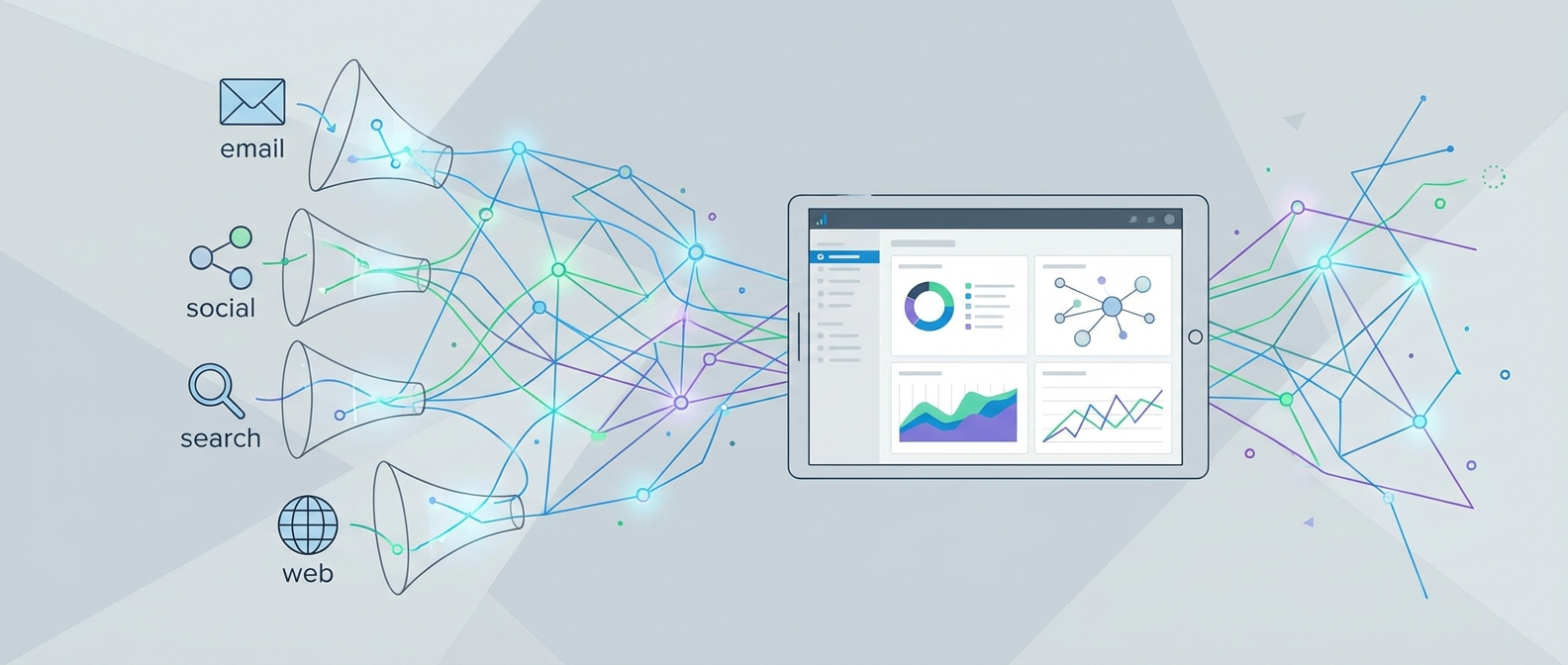
The integration architecture matters more than the feature list. A platform with 100 features implemented poorly will underperform one with 50 features implemented correctly. This guide provides a technical, step-by-step implementation framework that ensures you get maximum value from your investment.
Phase 1: Pre-Implementation Audit (Week 1)
Before touching any new platform, you need a complete inventory of your current state. Under the hood, skipping this phase is the number one cause of data loss during migration.
Data audit checklist:
- Export all contacts with complete field mapping (name, email, phone, company, custom fields)
- Document current lead scoring rules and threshold values
- Catalog all active automation workflows and their trigger conditions
- List every integration point (CRM, e-commerce, analytics, ad platforms)
- Record email deliverability metrics as your migration baseline
- Identify and purge dirty data: hard bounces, duplicates, incomplete records
Content asset inventory:
- Email templates (count, categorize by type: nurture, transactional, promotional)
- Landing pages with their form configurations
- Dynamic content rules and personalization tokens
- Suppression and exclusion lists
The integration architecture of your new system depends entirely on the quality of this audit. Invest the time here to save weeks of debugging later.
Phase 2: Platform Configuration (Week 2-3)
With your audit complete, begin configuring the new platform. The order of operations matters.
Step 1: Account structure and user permissions. Set up your organizational hierarchy first. Define teams, roles, and permission levels. In HubSpot Marketing Hub, this means configuring Business Units and user roles. In ActiveCampaign, it is setting up account groups and user permissions.
Step 2: Custom fields and data schema. Map your existing contact fields to the new platform. Under the hood, field type mismatches (text vs. number, single-select vs. multi-select) cause the most migration headaches. Create every custom field before importing data.
Step 3: Domain authentication. Configure SPF, DKIM, and DMARC records for your sending domains. This is non-negotiable. Email deliverability depends on proper authentication, and it takes 24-48 hours for DNS propagation. Do this early.
Step 4: Tracking code installation. Install the platform's website tracking script on all pages. Verify it fires correctly using browser developer tools. For platforms like Brevo, this includes both the tracking pixel and the JavaScript SDK for real-time event capture.
Step 5: Integration connections. Connect your CRM, e-commerce platform, and other tools. Prioritize bi-directional sync over one-way imports. Test each integration with sample data before going live.
Phase 3: Data Migration (Week 3-4)
The integration architecture of your migration determines whether you end up with a clean, functional database or a corrupted mess. Follow this protocol:
Pre-migration data cleaning:
- Remove contacts who have not engaged in 12+ months
- Deduplicate by email address (keep the most complete record)
- Standardize field formats (phone numbers, country codes, date formats)
- Validate email addresses using a verification service
- Back up everything before proceeding
Newsletter
Get the latest SaaS reviews in your inbox
By subscribing, you agree to receive email updates. Unsubscribe any time. Privacy policy.
Migration execution order:
- Contact lists and segments (foundation for everything else)
- Custom field values and tags
- Email templates and landing pages
- Automation workflows (rebuilt, not imported, to leverage new platform capabilities)
- Historical engagement data (opens, clicks, conversions) if the platform supports it
- Lead scores (recalculated based on imported engagement data)
Post-migration validation:
- Compare contact counts: source system vs. destination
- Spot-check 50 random contacts for field accuracy
- Verify segment membership matches expected counts
- Test every automation trigger with a test contact
Customer.io provides particularly clean import APIs with detailed error logging that makes migration validation straightforward. Their event-based architecture also makes historical data import more granular than most platforms.
Phase 4: Automation Rebuilding (Week 4-5)
Under the hood, directly replicating old workflows in a new platform is a missed opportunity. Use migration as a chance to optimize.
Start with your highest-impact workflows:
- Welcome and onboarding sequence (first impression with new leads)
- Lead nurture sequence (drives pipeline)
- Abandoned cart or form recovery (direct revenue impact)
- Re-engagement sequence (reactivates dormant contacts)
For each workflow, follow this build process:
- Document the current workflow logic (triggers, conditions, actions, timing)
- Identify what is working (keep) and what is underperforming (redesign)
- Build the new workflow with improved logic and platform-specific features
- Add proper error handling: what happens when a contact meets no conditions?
- Set up internal notifications for workflow errors
Testing each workflow:
- Create a test contact segment with team email addresses
- Run each workflow end to end with test contacts
- Verify every branch condition fires correctly
- Check email rendering across devices (desktop, mobile, Outlook, Gmail)
- Confirm CRM sync, lead scoring updates, and tag assignments all trigger
For detailed guidance on building effective nurture workflows, see our marketing funnel automation guide.
Phase 5: Integration Testing (Week 5-6)
The integration architecture is where implementations succeed or fail at scale. Test every connection point systematically.
CRM integration testing:
- New lead creation flows from marketing to CRM
- Lead status changes sync bi-directionally
- Activity timeline shows both marketing and sales touchpoints
- Lead scoring updates reflect in CRM fields
- Sales team can see marketing engagement history
E-commerce integration testing:
- Purchase events trigger post-purchase workflows
- Cart abandonment events fire within the expected time window
- Customer lifetime value calculations update correctly
- Product recommendation data flows to email personalization
Analytics integration testing:
- UTM parameters pass through correctly
- Conversion events fire in Google Analytics
- Revenue attribution data matches between systems
- Campaign performance data reconciles across platforms
Webhook and API testing:
- All custom webhooks deliver payloads reliably
- API rate limits are understood and respected
- Error handling exists for failed API calls
- Retry logic prevents data loss during outages
Phase 6: Go-Live and Monitoring (Week 6-7)
The go-live phase requires a methodical cutover plan. Under the hood, running both systems in parallel for 1-2 weeks is the safest approach.
Cutover checklist:
- Redirect all form submissions to the new platform
- Update website tracking to the new script (keep old script for 48 hours as backup)
- Switch transactional emails to the new system
- Activate automation workflows in the new platform
- Deactivate corresponding workflows in the old platform
- Monitor deliverability metrics closely for the first 72 hours
Post-launch monitoring (first 30 days):
- Email deliverability rate (should stay above 95%)
- Automation trigger accuracy (zero missed triggers)
- Data sync latency between systems (under 5 minutes)
- Form conversion rates (should match or exceed pre-migration baseline)
- Team adoption (are all users logging in and using the new platform?)
Common Implementation Pitfalls
Based on implementation projects across multiple marketing automation platforms, these are the pitfalls that derail projects most often:
Migrating dirty data. Clean before you migrate, not after. Importing 50,000 contacts that include 15,000 hard bounces will damage your sender reputation on the new platform from day one.
Skipping the parallel run. Cutting over to a new platform overnight is risky. Run both systems for at least one week, comparing results to catch any gaps.
Under-estimating training. The platform is only as good as the people using it. Budget 2-3 hours of hands-on training per team member, focused on the 20% of features they will use 80% of the time.
Ignoring deliverability warm-up. New sending domains and IP addresses need warm-up. Start by sending to your most engaged segment (recent openers) and gradually increase volume over 2-3 weeks.
Not documenting the setup. Six months from now, nobody will remember why a specific automation rule exists. Document every workflow, integration, and custom configuration as you build it.
For a broader view of how different platforms compare on implementation complexity, see our Pardot vs HubSpot comparison which covers enterprise implementation considerations.
Post-Implementation Optimization
Implementation is not a one-time event. The integration architecture should be reviewed quarterly:
- Month 1: Focus on stability. Fix bugs, optimize deliverability, train the team.
- Month 2: Begin A/B testing key workflows. Test subject lines, send times, and sequence length.
- Month 3: Review platform utilization. Are there features you are paying for but not using? Are there capabilities you need but have not configured?
The most successful implementations treat the go-live date as the starting line, not the finish line. Build a continuous optimization cadence from day one, and your marketing automation platform will compound in value over time.